Docsy主题的设置技巧
少于1分钟
001. categories如何增加子类呢?
例如:categories: [“blog”][“ERP”]
错误提示:
Error: error building site: process: readAndProcessContent: "...content/zh-cn/blog/005_ERP/005_001_ERPNext/与ERPNext的初次见面.md:3:1": failed to unmarshal YAML: yaml: line 3: did not find expected key
正确做法:
    categories:
        - blog
        - ERP
        - ERPNext
002. 如何制造块缩进
<div style="padding-left: 2em;">
now the contents included by this div section will be indented 2em.
003. 如何嵌入Merimaid流程图
第一种是不需要加入折叠功能的显示
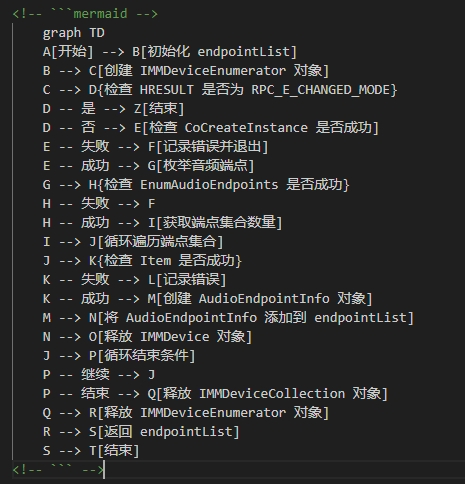 被注释掉的这两句代码是必须的取消掉注释的那两句,就可以正常显示了
第二种是加入了折叠功能的显示
Mermaid的参考资料在要显示mermaid流程图的md文档中加入如下代码
然后还是在这一份md文档中,需要显示流程图的位置,如下格式写:
<details>
    <summary>流程图x</summary>
<pre class="mermaid">
    graph TD
    A[开始]
    ...
    ...
</pre>
</details>
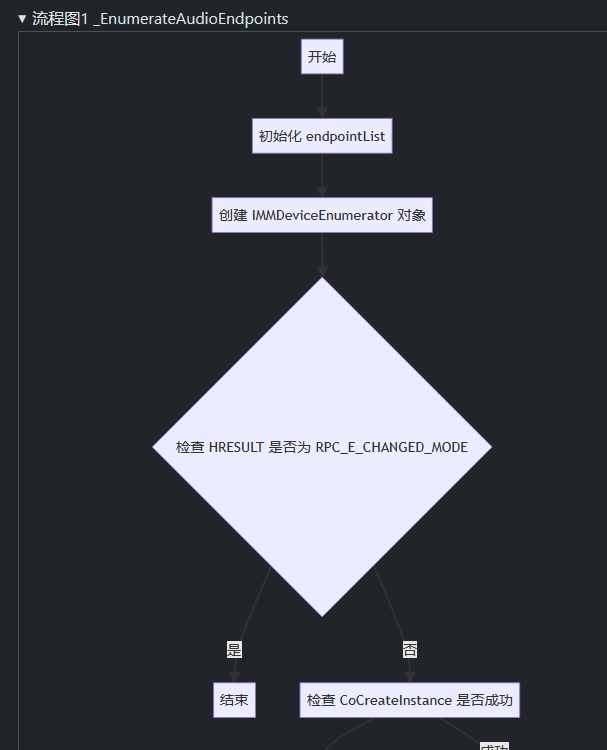 这里有一个无法忽略的BUG清空网页cookie之后,该流程图就正常显示,但是一旦按下F5刷新网页之后,流程图就显示出错了
 所以这种方法其实不行
第三种是直接把流程图转换成图片【推荐】
转换网站如下:Mermaid Live Editor
可以转成svg、png、复制到clipboard 还可以以svg、png形式在网页上直接预览 这种方式极好
004. 如何设置颜色(背景色、粗体、斜体、下划线)
$$
This is red colorThis is gray bg colorThis is bold fontThis is italic fontThis is underline$$